
Death to dust.
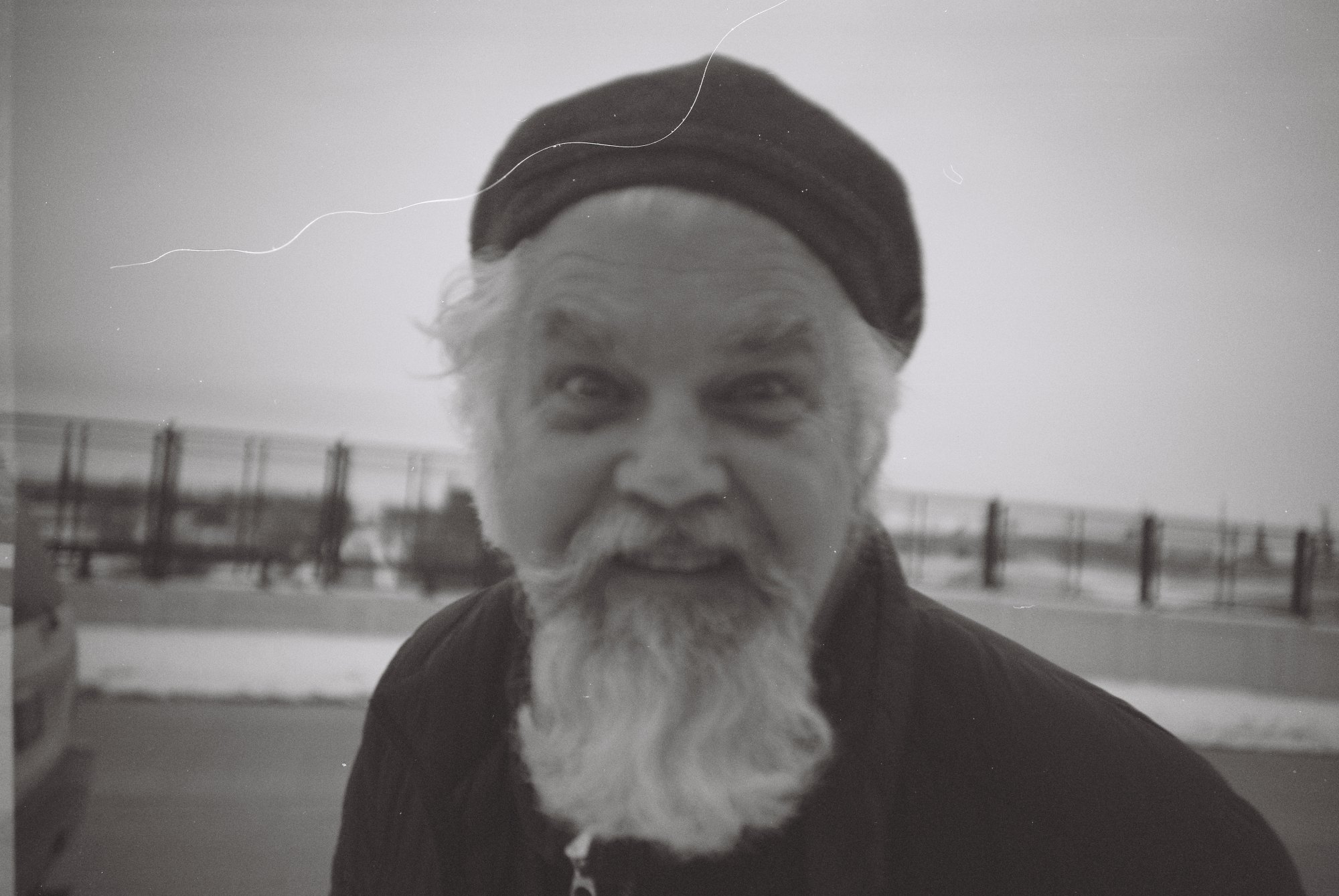
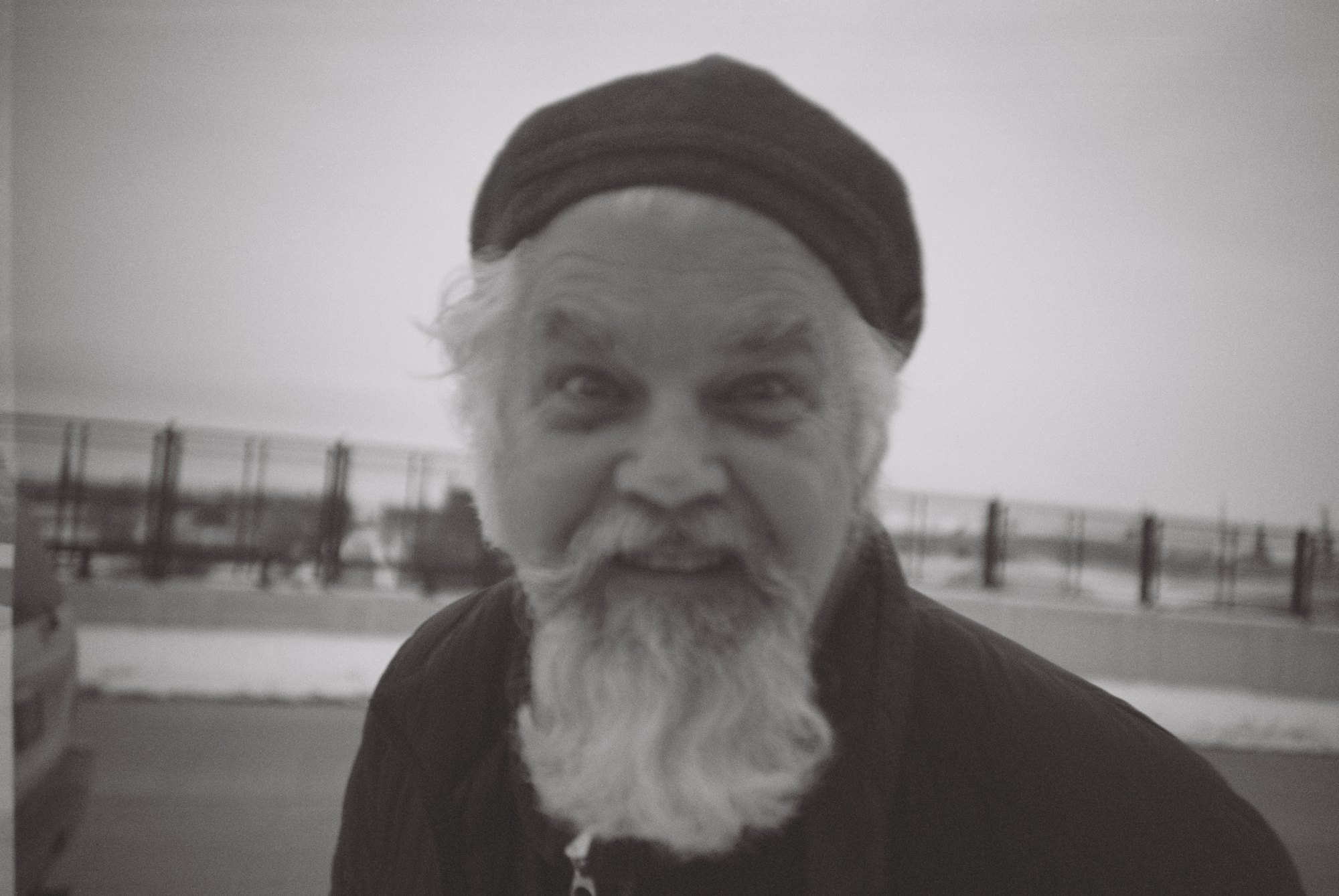
Spot Tone finds the dust, hairs and scratches on a film scan and repairs them with the film's own grain.
For photographers who scan their own film, and for labs that scan everyone else's.
- Runs on
- Apple Silicon Macs, macOS 14+
- Opens
- TIFF, JPEG, PNG. 16-bit stays 16-bit
- Works with
- Lightroom, Photoshop, Capture One
- Your scans
- Stay on your Mac. No account, no cloud
- Price
- Indie $99 one-time for two Macs. Lab $50 per seat a month
- Trial
- 14 days of the whole app, every tool unlocked, no account

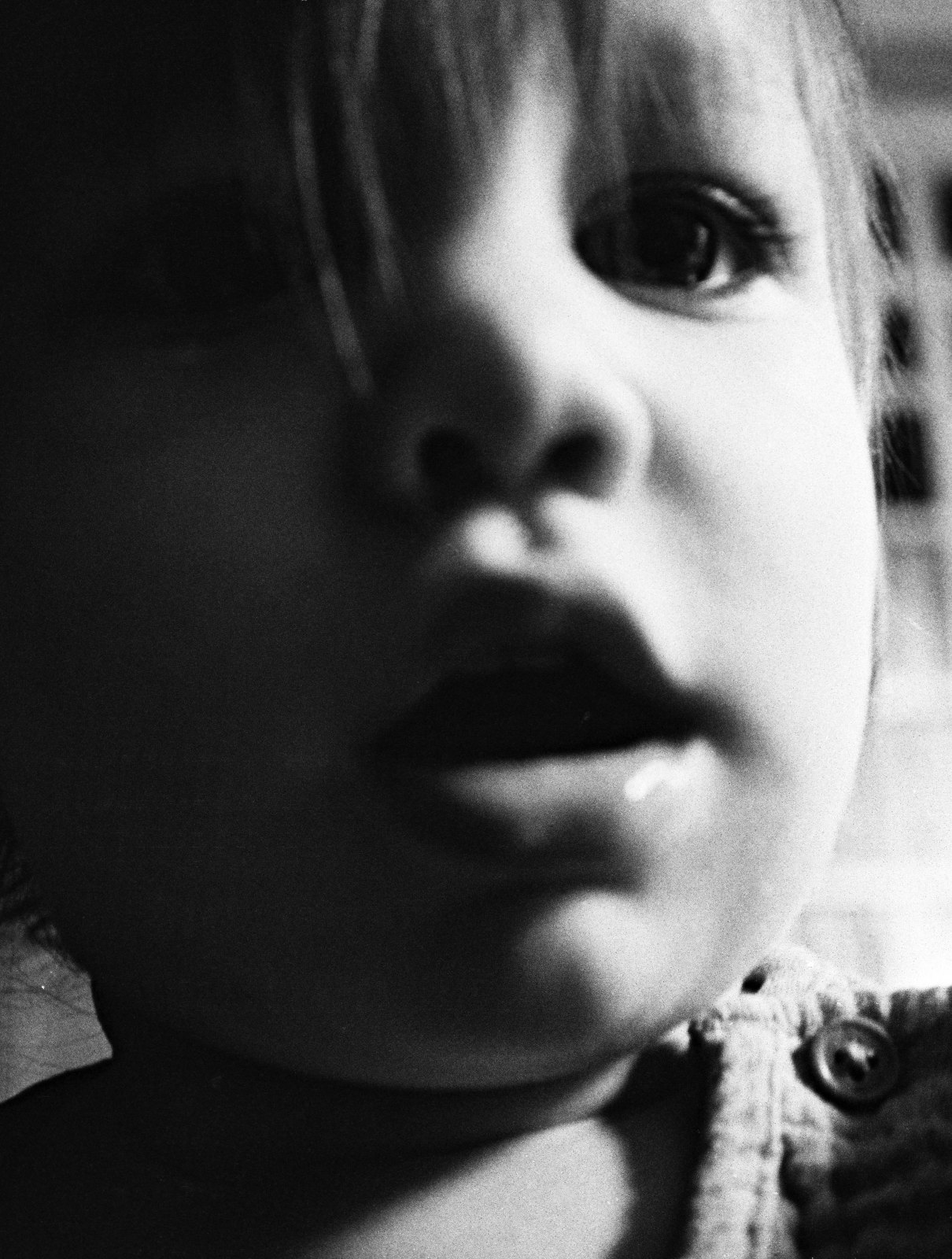
Open your scans. Find the dust. Check the work. Export.
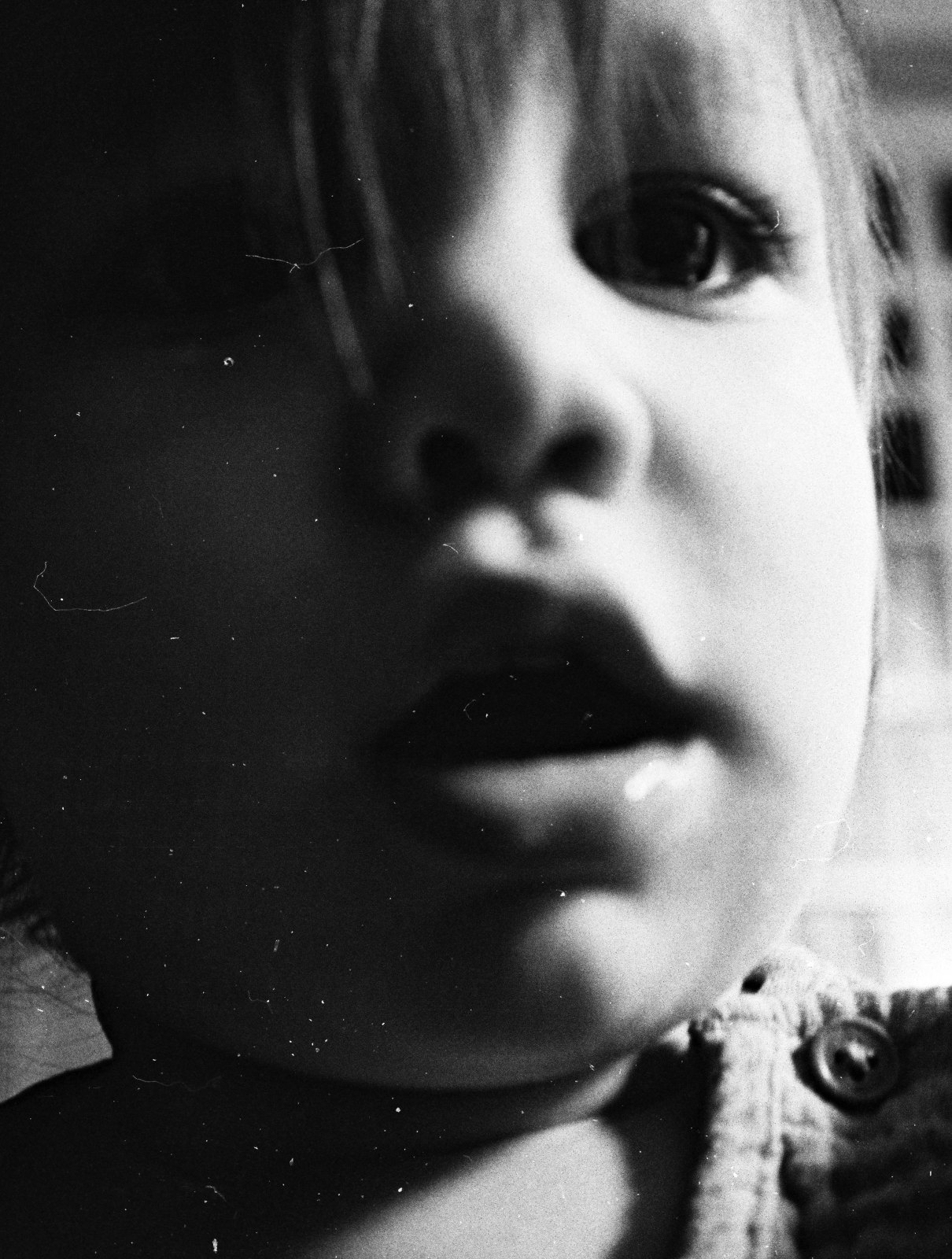
Most frames need little else. This one is straight from the scanner with Detect at maximum sensitivity and nothing done by hand. Detect marked 383 spots. Repair rebuilt each one from the film around it.
And when you want to take control, there's a whole set of hand tools.
See the tools.
24 of those 383 up close.
or hover one · each square is 64 × 64 px of the scan, shown at about 2×
It fixes the mark and keeps the grain.
Most cleanup tools leave a smooth patch that shows up close and looks worse in print. Spot Tone rebuilds the grain from your own scan, so the repair disappears.
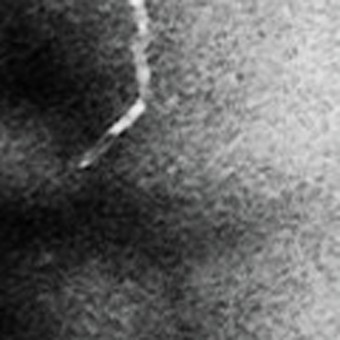
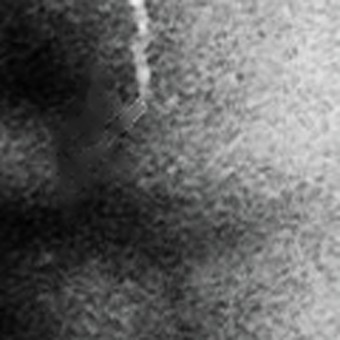
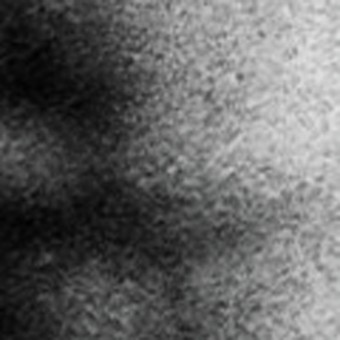
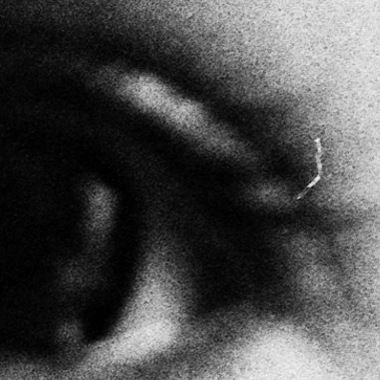
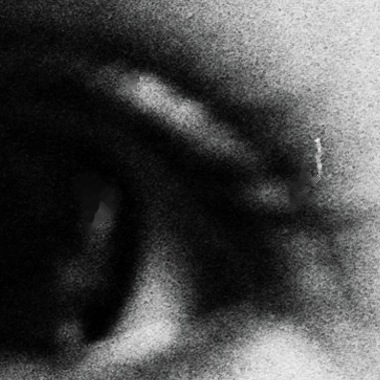
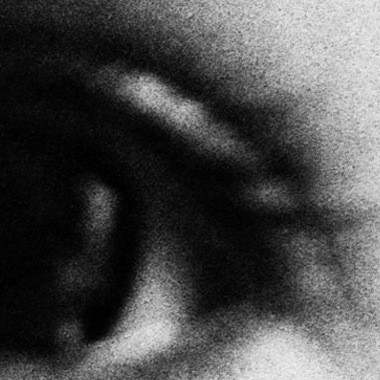
Two spots from one frame of Tri-X: a hair at about 3×, a fleck by the eye at about 100%. The middle panels are the real output of a leading scanner-software dust plug-in.
Spot Tone has vastly changed our lab's output. The days of manually cleaning images in Photoshop are over.
Lab-only features
| Hot folder | Point it at the scanner's output. Repaired frames land in the out folder as they arrive, for days at a time. |
|---|---|
| Tone | Exposure, curves, levels, color, and split toning, with a histogram and vectorscope. In the Image menu, Auto Levels All Frames sets each frame from its own histogram, and Sync Settings carries one frame's choices across the roll. |
| Crop and straighten | Crop, Align, and Auto-Rotate, stored with each frame and applied on export. The scan on disk stays as it was. |
| One app | Dust, tone, and crop happen in the same place, so a roll goes from scanner to delivery without a trip through a second editor. |
| The same file back | Overwrite Mode keeps each file's format, bit depth, color profile, and metadata, so nothing downstream has to change. |
| Scans stay in the lab | Nothing is uploaded. Detection and repair run on the Mac that does the scanning. |
Built for the lab's hundredth roll of the day.
The Lab license is for film labs and anyone who scans other people's rolls. It adds batch work to everything in Indie, so a whole order goes from scanner to delivery in one app.
Point the Spot Tone Hot Folder where you save your scans. Frames are repaired as they land and saved to the Out folder you set, so you can keep scanning.
Two licenses.
Indie
The license covers two Macs and every 1.x update, the app and the detector both. There is nothing recurring and no annual renewal.
- Detect and Repair, Brush, Heal, Clone, and the Dust Lasso
- Every 1.x update, including new detector models
- Two Macs, and you can move a license between your own machines
- Works offline
- 14-day free trial, every tool unlocked
Lab
Each seat runs everything in Indie plus the tools for volume, on as many Macs as you hold seats for.
- Hot Folder, Repair All, Export All, and Overwrite Mode
- Crop, Align and Auto-Rotate, and the whole Tone panel: exposure, curves, levels, color, and split toning, with a histogram and vectorscope
- One seat per Mac, and you choose which Macs hold them
- 14-day free trial, every tool unlocked
Every new install starts with a 14-day trial of the whole app, every tool unlocked, Lab tools included. No account and no card to try it. Yearly is $500 per seat, two months free. Change the seat count any time from your subscription. Stop subscribing and you keep Indie on the Macs that held seats.
Prices before tax. Tax is added at checkout where it applies.
Details and definitions
What "every update" means. Everything that improves what you bought is included for the life of the version, including better detection models. A new major version means new capabilities, and that is a new purchase. Upgrading to it is optional.
Refunds. A refund revokes the license and clears its seats. A revoked license stops working the next time that Mac reaches our server, and in any case within 90 days. Cancelling is different: you keep everything through the end of the term you paid for. Yearly Lab: a full refund within 14 days; after that, at our discretion, unused months refunded at the monthly rate.
Payment. Secure checkout by Paddle, who handle payment, tax, and invoices.
Seats. A Lab seat is bound to a Mac. Moving one to a replacement machine is a support request. Reducing seats evicts nothing: Macs beyond the new count keep the hand tools and lose the lab features until you reassign.
Your scans stay on your Mac.
Detection and repair run on your Mac. No cloud, no account, nothing uploaded unless you ask it to. It phones home for app and detector updates and for crash reports; crash reports switch off in Settings.
Quick answers to common questions.
What Macs does it run on?
Apple Silicon Macs on macOS 14 or later. If it's Apple Silicon, it should work. Newer computers will go faster, as you'd expect. It doesn't run on Intel Macs.
Does it change my original scans?
No. A repair is exported as a new file. Spot Tone writes over an original only if you turn on Overwrite Mode yourself (which is only for Labs).
What files can I open?
TIFF, JPEG and PNG. A 16-bit TIFF stays 16-bit all the way through to the export. JPG only does 8-bit, but if you're using a 16-bit TIFF, you probably already know that.
Do my scans leave my computer?
No. Detection and repair run on your Mac, with no account and no cloud. If you choose to contribute corrections to help train the model, only frames you have corrected are sent, and that is off until you turn it on.
Does it work with Lightroom, Photoshop and Capture One?
Yes. Send frames from Lightroom (Edit In, or the Clean in Spot Tone plug-in), Photoshop or Capture One (Scripts ▸ SpotTone), clean them, and they go back where they came from.
Spot Tone doesn't overwrite your images unless you ask it to in Overwrite Mode, and that's Lab only, so I'm assuming you know what you're doing there, too. Just know that if you "Edit in" Spot Tone from Lightroom and send the original, that's what it'll save to. So edit a copy if that's not what you're after.
What kind of film is it for?
Film scans: Half-frame and full-frame 35mm, medium and large format, color and black-and-white, and wet-plate tintypes. It was trained on real scans of all of them.
Does it handle scratches and hairs?
Yes. Hairs and fibers are detected with the dust. Long scratches have their own tool, which follows the scratch and levels it into the film instead of painting over it.
What if it misses something, or marks something that isn't dust?
Brush over what it missed and erase what it shouldn't have marked. The Dust Lasso looks for specks inside a loop you draw, and ⌘Z takes back any stroke. There's a list of all the tools over at the, wait for it, Tools page.
What's the difference between Indie and Lab?
Indie has every hand tool, one frame at a time. Lab adds batch work: a hot folder that repairs scans as they arrive, Repair All, Export All, and Overwrite Mode. It also adds the Tone panel (exposure and contrast, curves, levels, color, auto levels, split-toning, a histogram, and a vectorscope) and Crop and Align.
What does it cost?
Both start with a 14-day free trial of the whole app, every tool unlocked, no account needed. After that, Indie is $99 once, for two Macs. Lab is $50 per seat a month, or $500 per seat a year. Pricing has what each one includes.
Thin straight lines run across every frame. Can it fix those?
Yes. Those come from the scanner, not the film, so the dust pass doesn't look for them. Turn on Remove scanner lines in Settings ▸ Detect and they're leveled out when you repair. It's off by default because most scanners never leave them.
Does it work on black-and-white film?
Yes. Spot Tone reads the scan itself, so it works on silver black-and-white film and Kodachrome, where infrared dust removal doesn't apply. That is most of what a lab spots by hand.
Can it run on Windows?
Not today. Spot Tone is a Mac app, built on Apple Silicon. If a Windows version happens, the people on this list hear first.
Where do I ask a question or report a problem?
Join the Spot Tone Discord, or email support@spottoneapp.com.